Satellite 5
How to manage Satellite 5 content
Title
Getting started
Created on version 5.0.1 (5.1.0)
This website serves as an example of how Satellite 5 works, what the possibilities are, and provides users with examples via the administration view.
Satellite 5 ESN livestream: https://www.youtube.com/watch?v=SrDpagiM24I
Tutorials by ESN Romania: https://www.youtube.com/playlist?list=PLnWqky5i0N3UQoH9oGmonkC7l_cipL126
It is possible to log in to the administration view via this URL:
https://demo.esn-cz.org/user/loginUse the following sign-in information to preview the administration content:
username: demo
password: demo
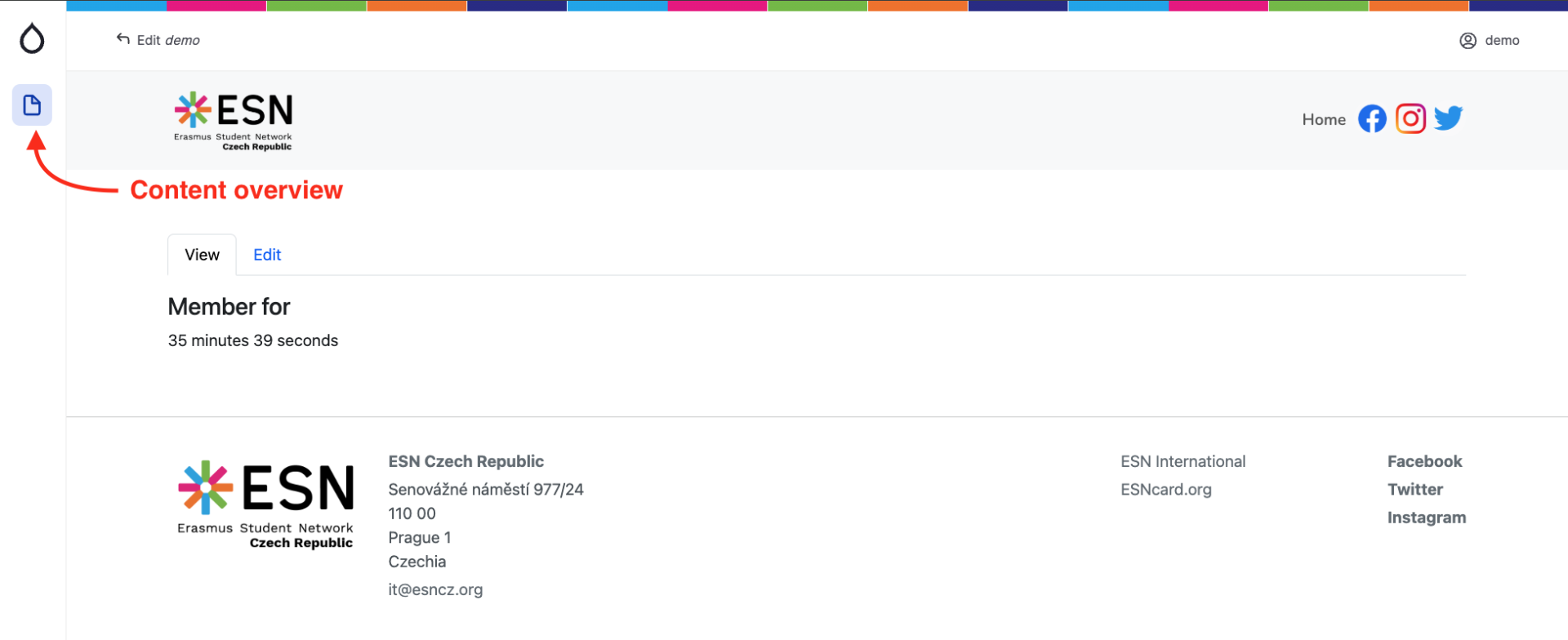
After signing in, the side toolbar appears and by clicking the side bar button for "Content overview".
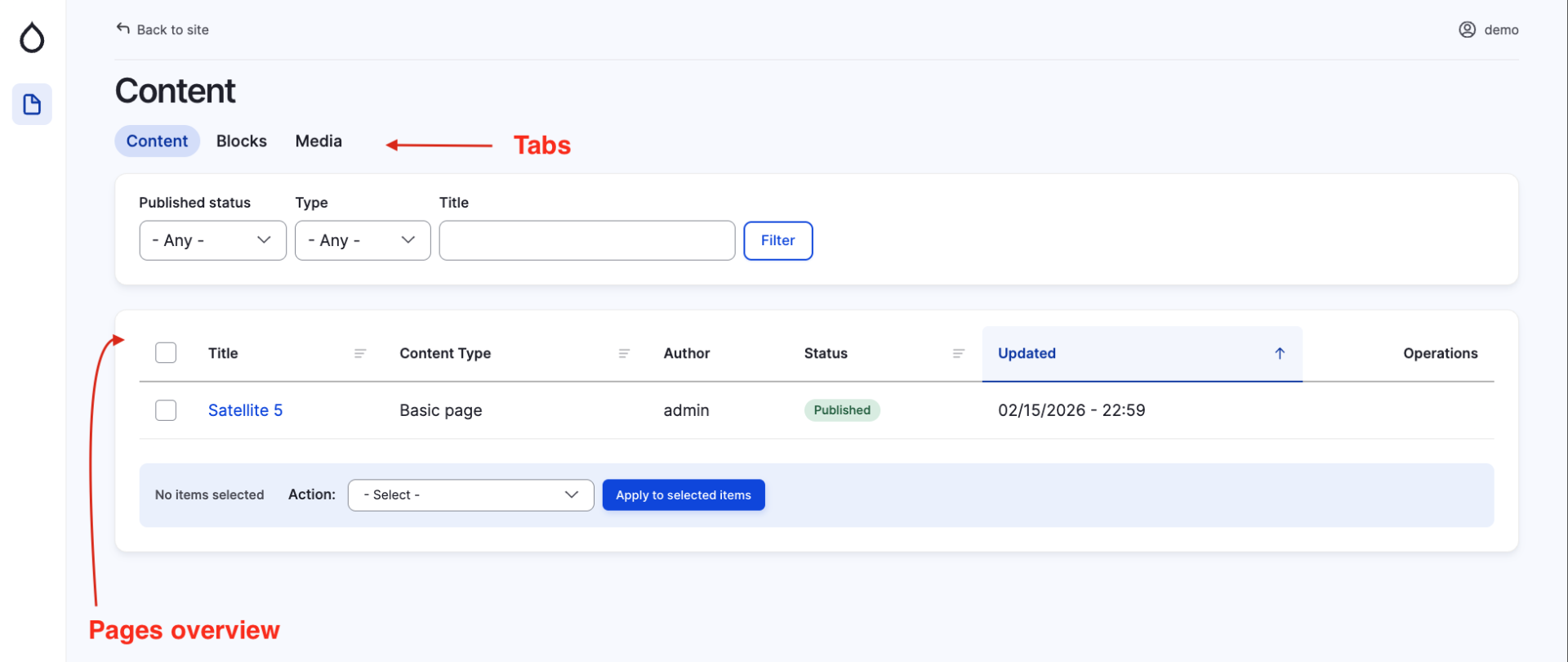
The top shows tabs which show individual content that the user can view/edit. Under these tabs is a table overview of pages created by the admin (Content Manager).
Pages with status "Published" are pages that are visible to all the users who can see the page. By clicking the name of the page, you access the page for content editing.